Expert WiFi Troubleshooting & Support
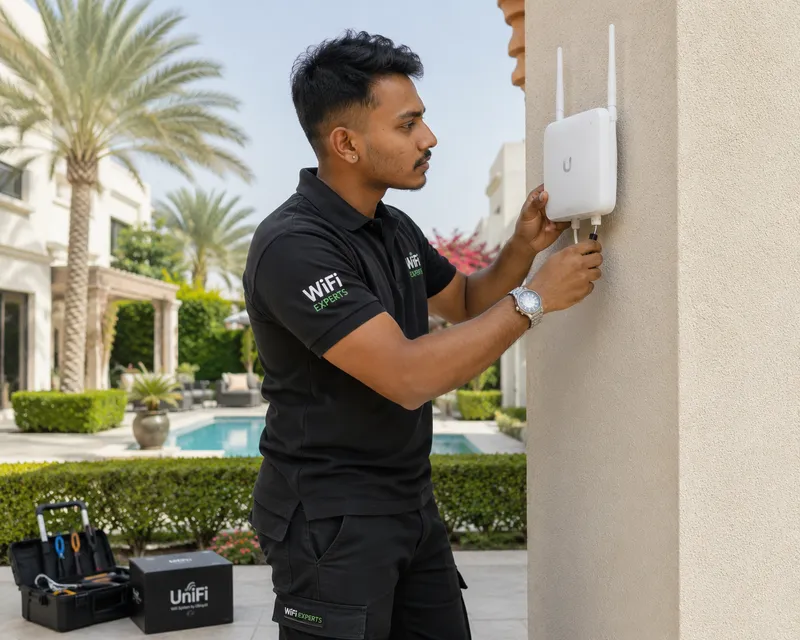
Don't let slow internet disrupt your business or home life. Our technicians are ready to help across the UAE.
Serving All Over the UAE: Dubai, Sharjah, Abu Dhabi, Ajman, UAQ, RAK, & Fujairah
Why Is My WiFi So Slow? 15 Reasons Your Internet Connection Is Underperforming
Slow WiFi can affect everything from simple browsing and streaming to business-critical applications, video meetings, and POS systems. If your connection is constantly buffering, the problem may not be your internet package, but your network design.
For homes and businesses in Dubai, Sharjah, Ajman, and across the UAE, slow WiFi can be caused by weak coverage, interference, overloaded access points, poor network design, outdated equipment, or problems with the network infrastructure. FastWiFi.ae provides professional WiFi installation Dubai, troubleshooting, site surveys, and maintenance to help you identify and resolve these issues for good.
The 15 Common Culprits of Slow WiFi
1. Weak WiFi Signal & Distance
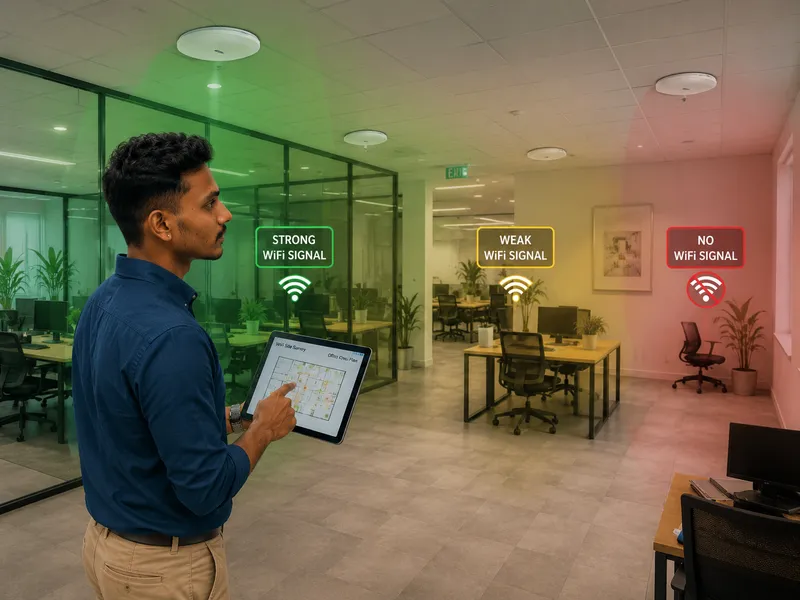
If your device is too far from the router or access point, the wireless signal becomes weak. This is the most common reason for "WiFi drops." In large UAE villas, the signal often has to travel through multiple layers of concrete and steel.
The Solution: Our technicians perform a WiFi site survey to map out your coverage and recommend the perfect placement for additional WiFi access point installation.
2. Too Many Connected Devices
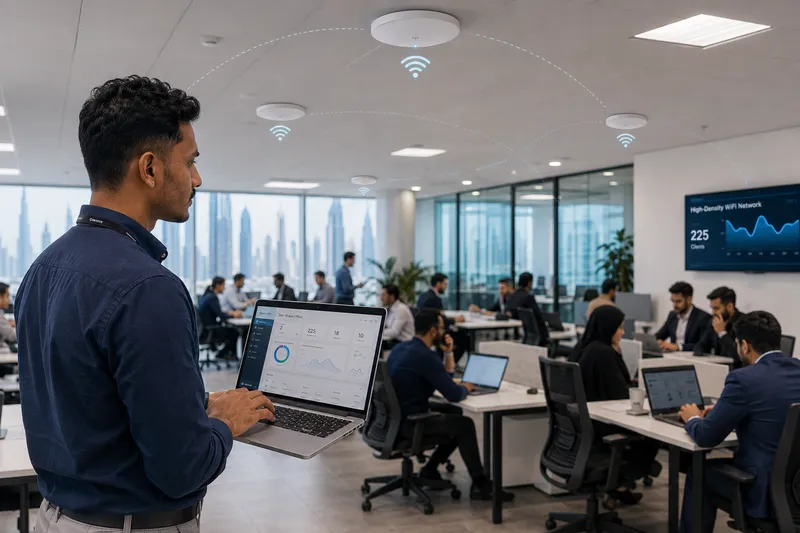
In a typical Dubai office or family home, you might have 30+ devices (smartphones, laptops, CCTV, smart TVs, and IoT sensors) connected at once. Standard routers cannot handle this "device density."
The Solution: We implement wireless mesh or enterprise-grade WiFi 6 systems that can handle 100+ simultaneous connections without slowing down.
3. Poor Router or Access Point Placement
Hiding a router in a cabinet or a closet kills the signal. Physical obstructions like furniture or mirrors can reflect and degrade the waves.
The Solution: Strategic, ceiling-mounted AP placement ensures a clean "line of sight" for the wireless signal to reach your devices.
4. WiFi Interference from Neighbors
In high-rise buildings in Dubai Marina or Business Bay, dozens of WiFi networks compete for the same radio channels. This causes "noise" that slows down your data transmission.
The Solution: We use spectrum analysis to find clean channels and configure network optimization to bypass neighbor interference.
5. Outdated WiFi Equipment
If you are still using a WiFi 4 or WiFi 5 router from 5 years ago, you are missing out on modern speeds. Older hardware simply doesn't have the processing power for today's high-speed fiber links.
The Solution: Upgrade to a modern WiFi 6 setup for drastically faster throughput.
6. Inadequate Internet Package
Sometimes the WiFi is perfect, but the actual pipe from Etisalat or Du is too small for your needs. If 10 people are trying to watch 4K video on a 100Mbps plan, it will crawl.
The Solution: We test your "wired" speed vs "wireless" speed to isolate if the issue is with your ISP or your local hardware.
7. Network Congestion & High Bandwidth Apps
Cloud backups, large Windows updates, or BitTorrent traffic can "hog" the bandwidth, leaving nothing for your Zoom calls or emails.
The Solution: We configure Quality of Service (QoS) to prioritize critical business applications over background updates.
8. Overloaded Access Points
In a classroom or restaurant, having 50 users on one cheap access point will cause a bottleneck. The AP's CPU literally cannot process the requests fast enough.
The Solution: High-density school WiFi solutions or restaurant WiFi systems that distribute the load across multiple units.
9. Structural Barriers (Concrete & Metal)
UAE buildings are famous for reinforced concrete. WiFi signals cannot pass through rebar and thick walls easily. This creates "dead zones."
The Solution: We help fix WiFi dead zones at home by running structured cabling to every room.
10. Outdated Device Drivers
Sometimes your laptop's WiFi card is the problem, not the network. Old drivers can cause frequent disconnections and slow handshakes.
The Solution: Our WiFi technician Dubai can audit your devices to ensure they are fully compatible with your network's protocol.
11. Incorrect Router Configuration
Settings like "Channel Width" or "Transmit Power" are often left on "Auto," which is rarely optimal. Incorrect security protocols (like using TKIP instead of AES) can also artificially cap your speed.
The Solution: Professional WiFi repair services involve a deep dive into the firmware settings to unlock full speed.
12. VPN & Security Overhead
While VPNs keep you safe, they add encryption overhead. If the VPN server is slow or far away, your internet will feel slow regardless of your WiFi signal.
The Solution: We help test and optimize your VPN configurations to ensure minimal speed loss.
13. DNS & Latency Issues
Sometimes "slow WiFi" is actually "slow DNS." If your router takes too long to translate a website address into an IP, the initial loading will feel very laggy.
The Solution: We configure high-speed local DNS caching and optimize your network's response time.
14. Faulty Cabling & PoE Issues
If the Ethernet cable connecting your AP to the switch is damaged or lower-grade (like old Cat5), your WiFi will never go above 100Mbps, even if you have a 1Gbps plan.
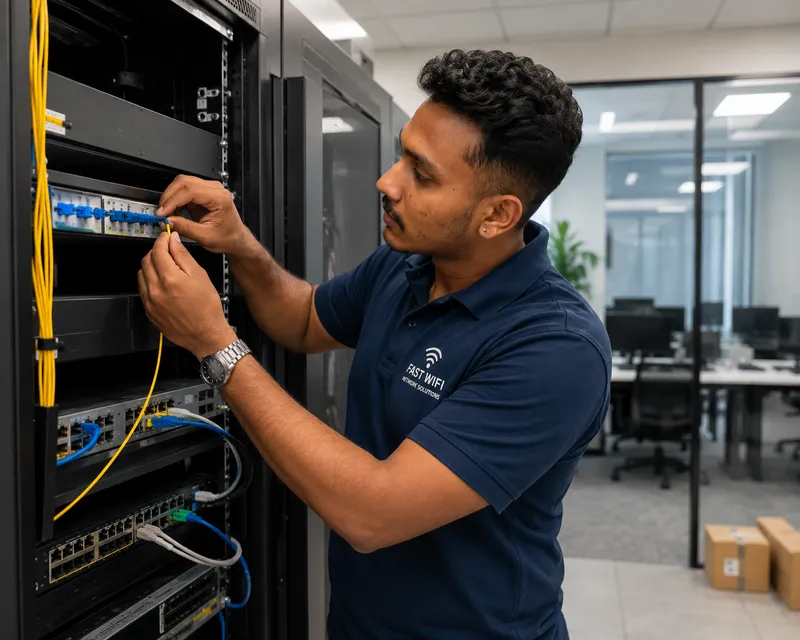
The Solution: We provide professional WiFi cabling services using high-quality Cat6/Cat6a/Cat7 cables to ensure a gigabit backbone.
15. Poorly Designed Network Architecture
The "Daisy Chain" effect (connecting routers to routers) causes massive lag and "Double NAT" issues. This is a common DIY mistake in UAE villas.
The Solution: A professional WiFi site survey Dubai ensures a proper star-topology network that eliminates architectural bottlenecks.
We Provide WiFi Solutions For:
Brands We Support
We work with almost every popular router, access point, and networking brand in the UAE market.
Our WiFi Technicians Serve All Major Areas
Dubai Support
Marina, JVC, JLT, Business Bay, Downtown, Silicon Oasis, Mirdif, Al Barsha, Deira, Bur Dubai, Tilal Al Ghaf, Dubai Hills, Meadows, Arabian Ranches.
WhatsApp Dubai Team →Abu Dhabi & Sharjah
Yas Island, Khalifa City, Mussafah, MBZ City, Al Reem Island. Sharjah: Al Nahda, Muwaileh, Al Majaz, Rolla, Al Khan.
WhatsApp Local Team →Northern Emirates
Ajman (Al Nuaimia, Al Mowaihat), Umm Al Quwain, Ras Al Khaimah (RAK), and Fujairah. WiFi technician near me support.
WhatsApp Expert →Reliable Ongoing Support After Installation
Our commitment doesn’t end with installation. We provide reliable ongoing support and maintenance to help keep your network fast, secure, stable, and performing at its best throughout the year. Whether you need troubleshooting, optimization, upgrades, or routine maintenance, our team is here to help keep your network running smoothly. Expert Support Beyond Installation and Delivery is why UAE businesses trust us.
Expert WiFi FAQs
1. Why is my WiFi signal strong but the speed very slow?
This is often due to interference or network congestion. You might be on a "crowded" wireless channel shared by your neighbors. Our technicians use spectrum analyzers to move you to a clean frequency.
2. Can a professional site survey really save me money?
Yes. Most people buy 5 access points when they only need 3 correctly placed ones. A survey prevents you from overspending on hardware and underperforming results.
3. Do you provide WiFi installation Sharjah and Ajman?
Absolutely. We have dedicated teams for WiFi troubleshooting Sharjah and WiFi installation Ajman to ensure quick response times.
4. What is the difference between WiFi 5 and WiFi 6?
WiFi 6 is specifically designed for high-density environments. If you have many smart home devices or a busy office, WiFi 6 will manage the data traffic much more efficiently, resulting in zero lag.
5. How can I get a WiFi expert near me today?
Simply click the WhatsApp button on this page or call our hotline. We often provide same-day troubleshooting visits for urgent network issues across Dubai.
Ready to Fix Your WiFi?
Contact FastWiFi.ae for a professional assessment and guaranteed results.
Helpful Resources & Guides
Related Network Services
WiFi Troubleshooting Dubai, Home Networking UAE, Fiber Optic Repair Dubai, Business Internet Solutions Sharjah, Access Point Configuration Abu Dhabi, WiFi Signal Booster Ajman, Best WiFi for Villa UAE, Office IT Support Dubai, Network Cabling Service Sharjah, Structured Cabling Dubai, WiFi Expert Near Me, Internet Connection Fixing Dubai, Wireless Range Extension Dubai, Mesh WiFi Setup UAE, Enterprise WiFi Solutions Dubai, Guest WiFi Setup Dubai, Industrial WiFi UAE.